Chat to Coach Bo in Your Preferred Language
 Updated
by
Amy Thomas
Updated
by
Amy Thomas
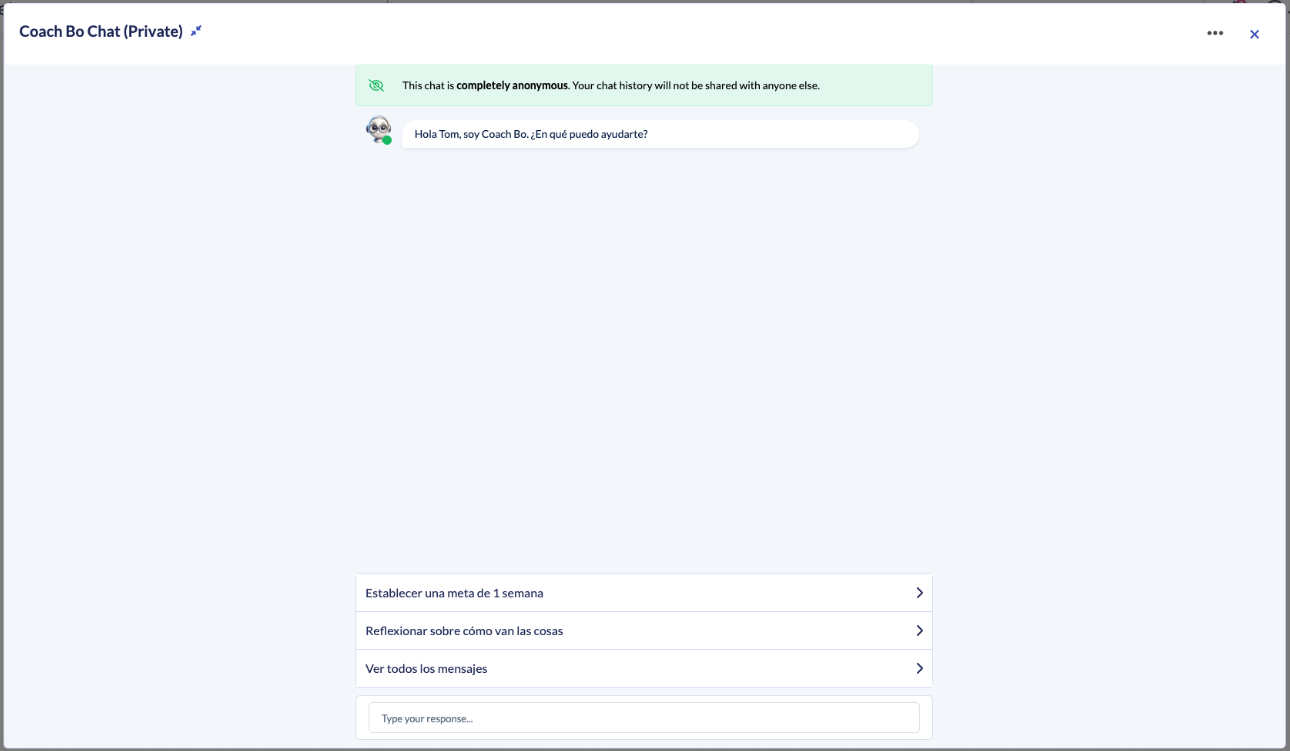
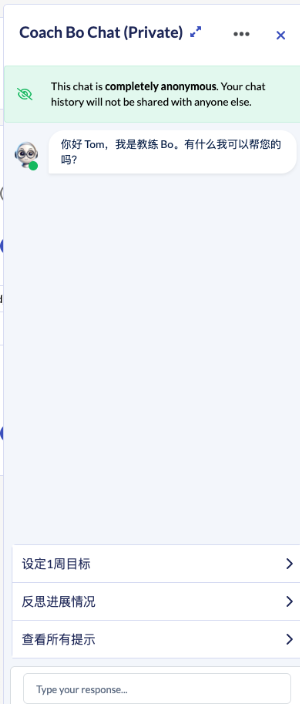
Coach Bo can communicate with you in 15+ languages. Chose your preferred language, and Bo will greet, coach, and follow up with you in that language, including during your Weekly Manager Check-ins and recap emails.
Languages available
Coach Bo can chat to you in these languages:
- English (default)
- Spanish
- Portuguese (Brazil)
- Italian
- French
- Indonesian
- German
- Arabic
- Chinese (Simplified)
- Korean
- Japanese
- Hindi
- Bengali
- Swahili
- Yoruba
Set your language
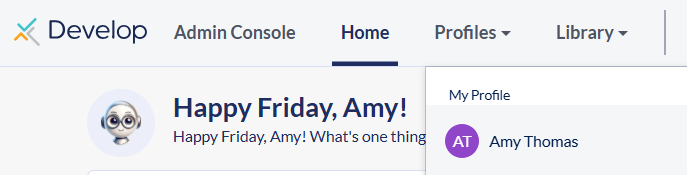
- Click Profiles in the top navigation and select your name under My Profile.
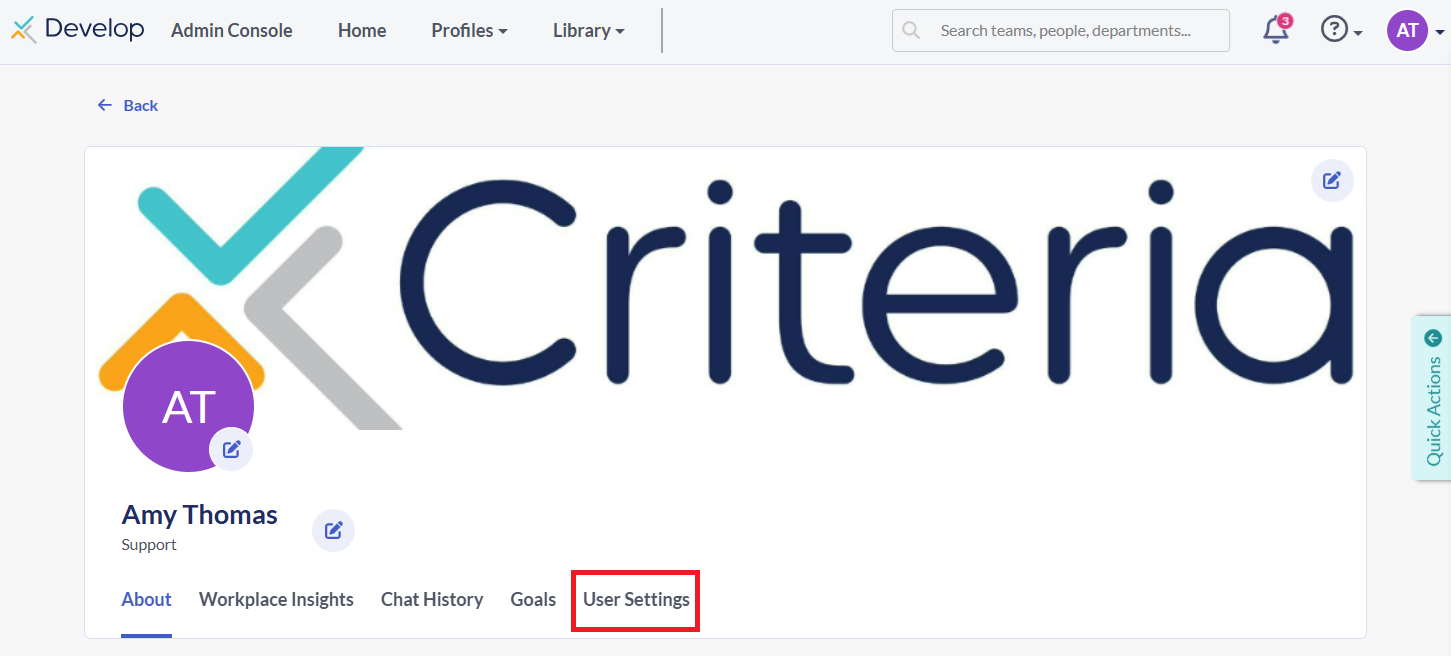
- Click the User Settings tab, then click the Email/Check-ins tab.

- Under the Coach Bo section, find Coach Bo Language. Click the dropdown (defaults to English).
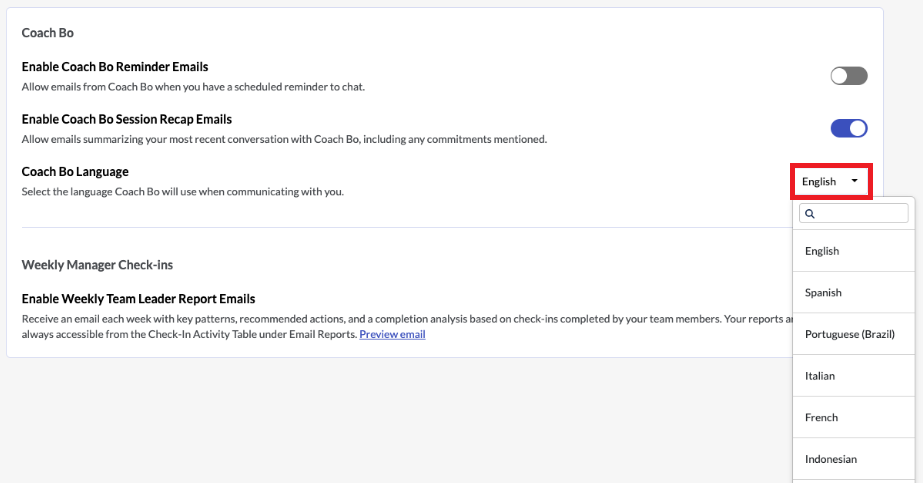
- Search or scroll to select your preferred language. Your selection saves automatically.
Points to note
- This setting only affects your conversations with Bo; it does not change the language the Develop platform is presented in. We suggest using your browser's translation software to automatically translate the Develop platform to your preferred language.
- Any Check-in questions set by your organization's admin will remain in the admin's configured language.
- Your language preference will not affect anyone else; you are only picking the language you speak to Bo in.
