Accessing an Evaluator Self-Assignment Link
 Updated
by
Amy Thomas
Updated
by
Amy Thomas
You may be asked to evaluate the video interview responses of candidates applying for a job with your organization. Your recruitment team or hiring manager will either:
- Set up your access to these ahead of time. If you have been added as a user to your organization's Criteria account, follow this guide instead.
- Share an Evaluation Link with you which will allow you to easily allow you to complete the interview evaluation. Follow these steps below to complete your evaluations.
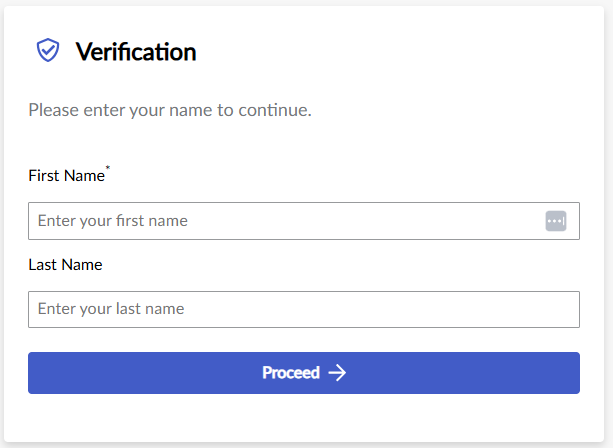
We use your email address for verification purposes, to ensure that you have permission to view the content. We use your name so any ratings and comments submitted can be attributed to you.
You will only need to complete the verification process once per day.
If you are viewing multiple candidates' interview responses each day, you will not need to complete these verification steps for every candidate link, provided you use the same browser each time to access these.
When a candidate completes a video interview through the Criteria platform, an Evaluator Self-Assignment link is generated. This link will enable you to evaluate either:
- This specific candidate's video interview responses only.
- The video interview responses for all candidates within the job.
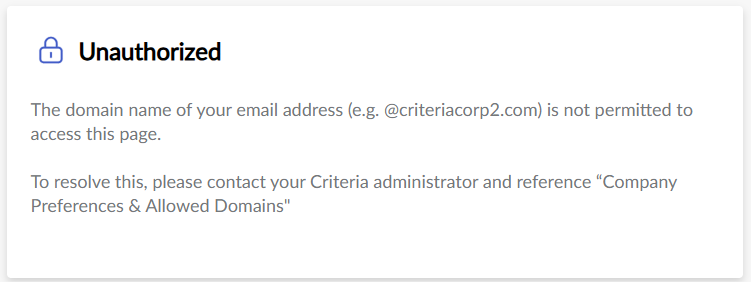
To assign yourself as an evaluator you will need to have access to an email account that has been approved by your organization's Criteria account admins. (This will usually be your work email address.) You do not need to have access to your organization's Criteria account in order to assign yourself as an evaluator.
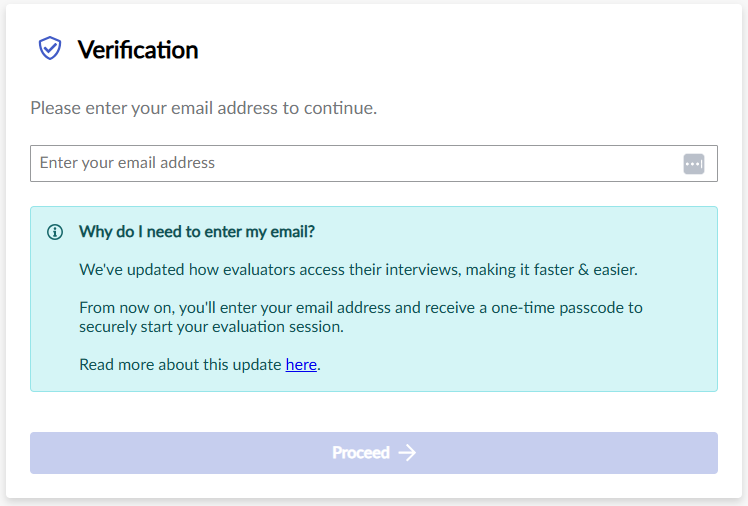
Click on the Evaluator Self-Assignment Link. You will be directed to a page asking you to enter your email address. Type this in and click Proceed.
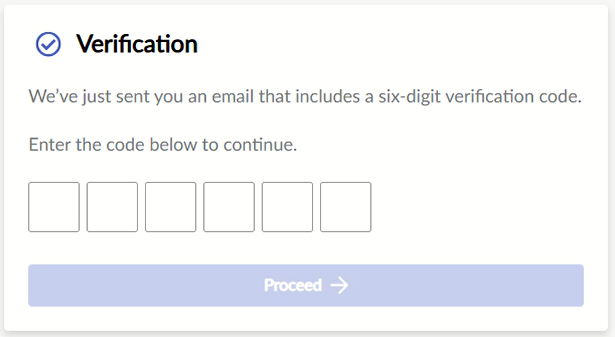
A verification email will be sent to the email address you entered.
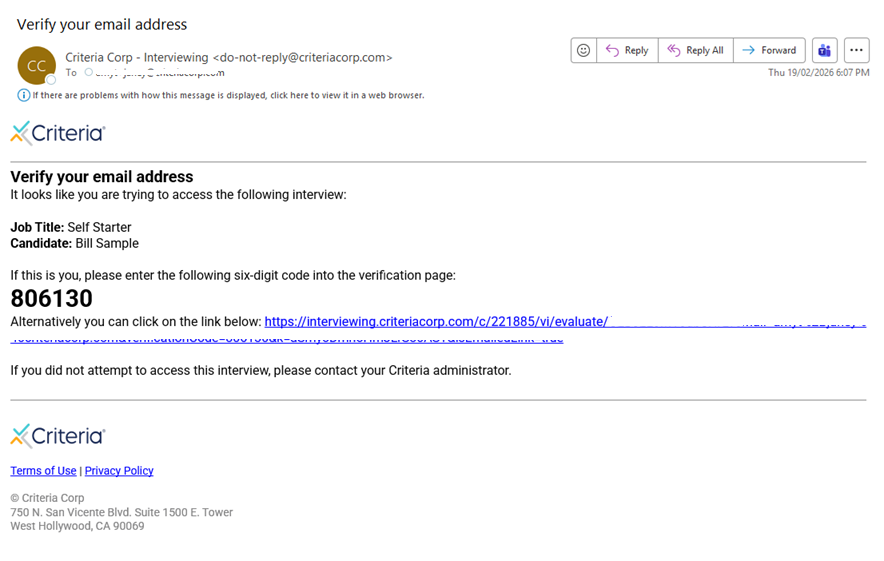
Type in the code and click Proceed.
Type in your name.
You will be directed to the candidate's video interview responses.
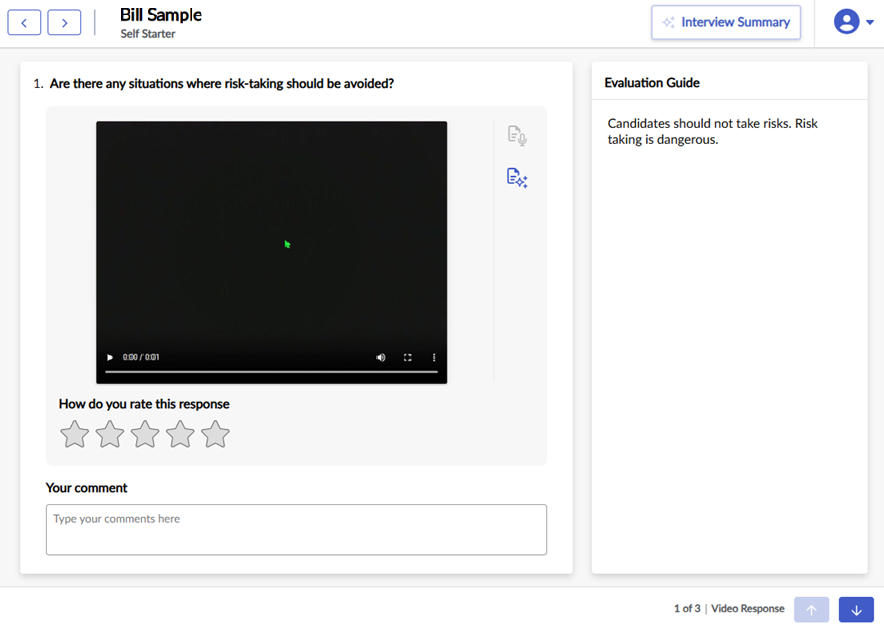
If you have been asked to evaluate multiple candidates, click the arrows at the top left to move between candidates.

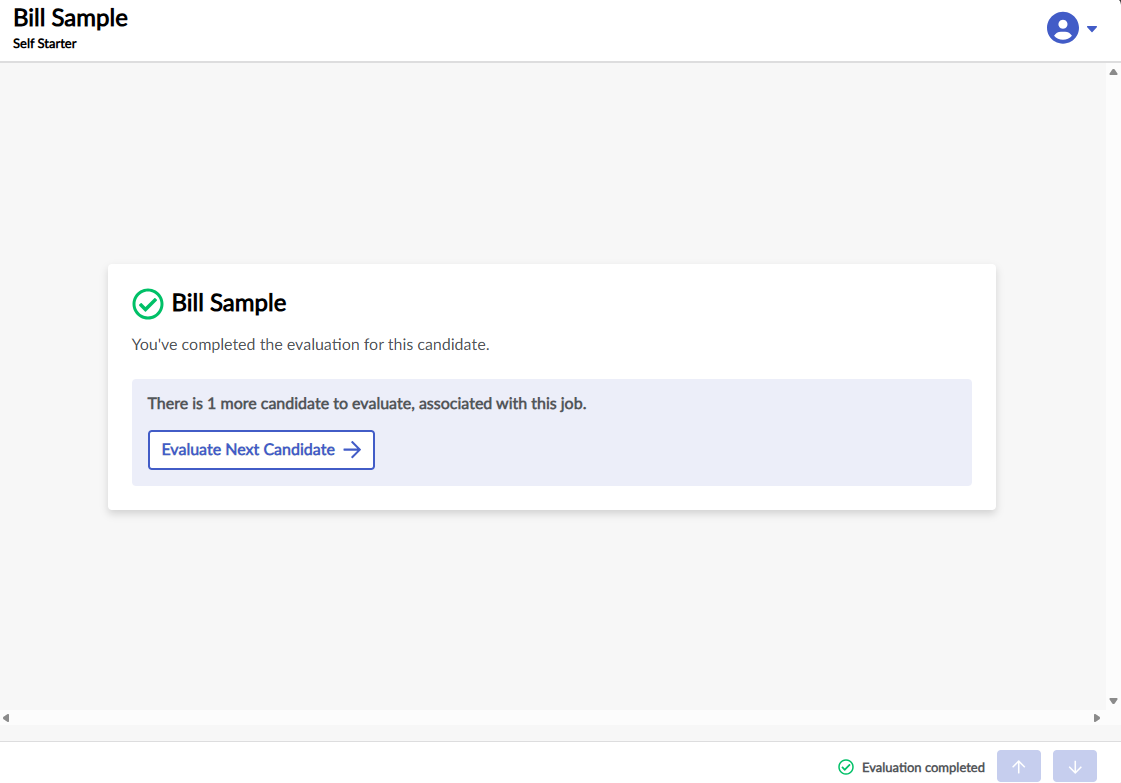
Once you have evaluated the first candidate, if there are more candidates to evaluate, click Evaluate Next Candidate to move to the next candidate.