Candidate Experience Optimizer
 Updated
by
Amy Thomas
Updated
by
Amy Thomas
The Candidate Experience Optimizer helps you enhance your candidates' journey throughout the recruitment process. It automatically analyzes your job configuration and surfaces job-specific recommendations to improve every candidate interaction across the hiring process.
The Candidate Experience Optimizer covers what's working well and where improvements can be made across branding, communications and evaluation tasks. It provides tailored step-by-step recommendations for each job.

Access the Candidate Experience Optimizer
You can start an analysis in either of these ways:
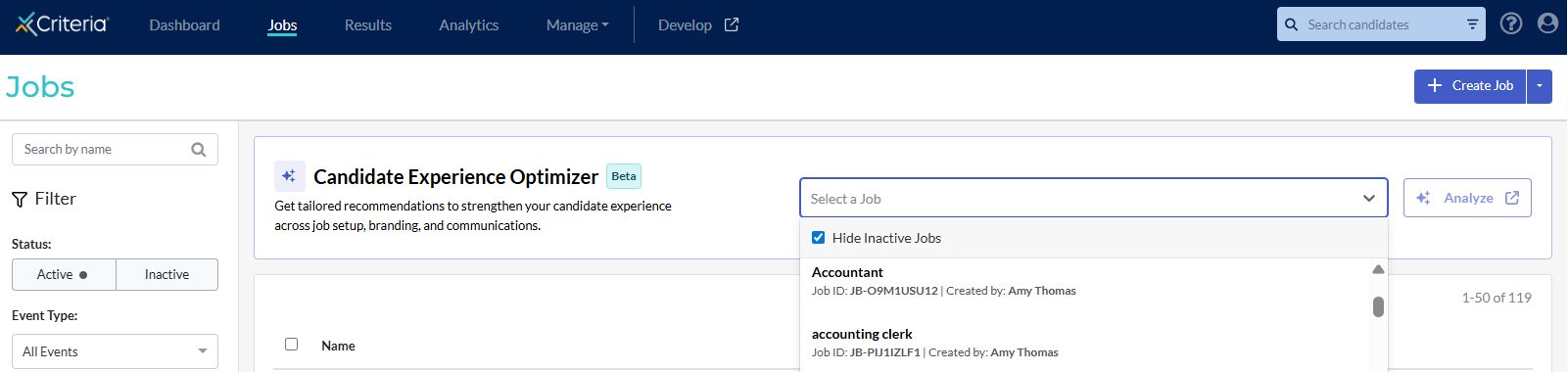
- From the Jobs list page: In the Candidate Experience Optimizer module, click Select a job and choose a job from the dropdown list. Tick Hide inactive jobs to make it easier to find the right job.
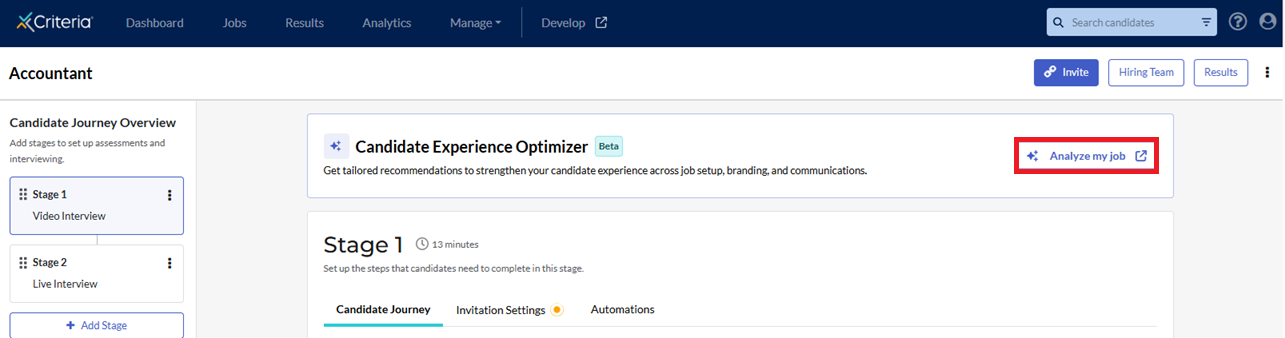
- From a job: Open any job in your Jobs list. Go to the Settings page. Click Analyze my job.
Review the analysis
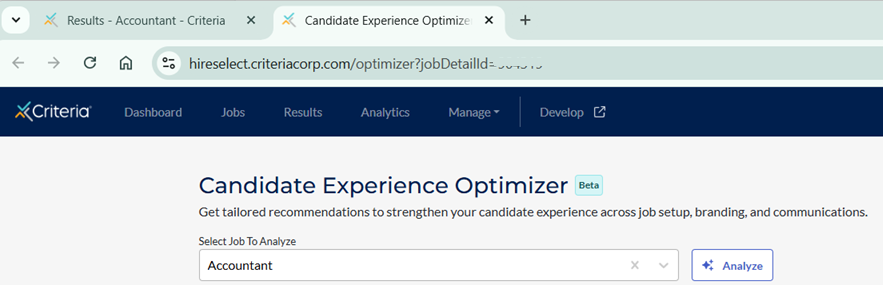
The Candidate Experience Optimizer will open in a new tab, so you can keep the job configuration open and work in both windows.
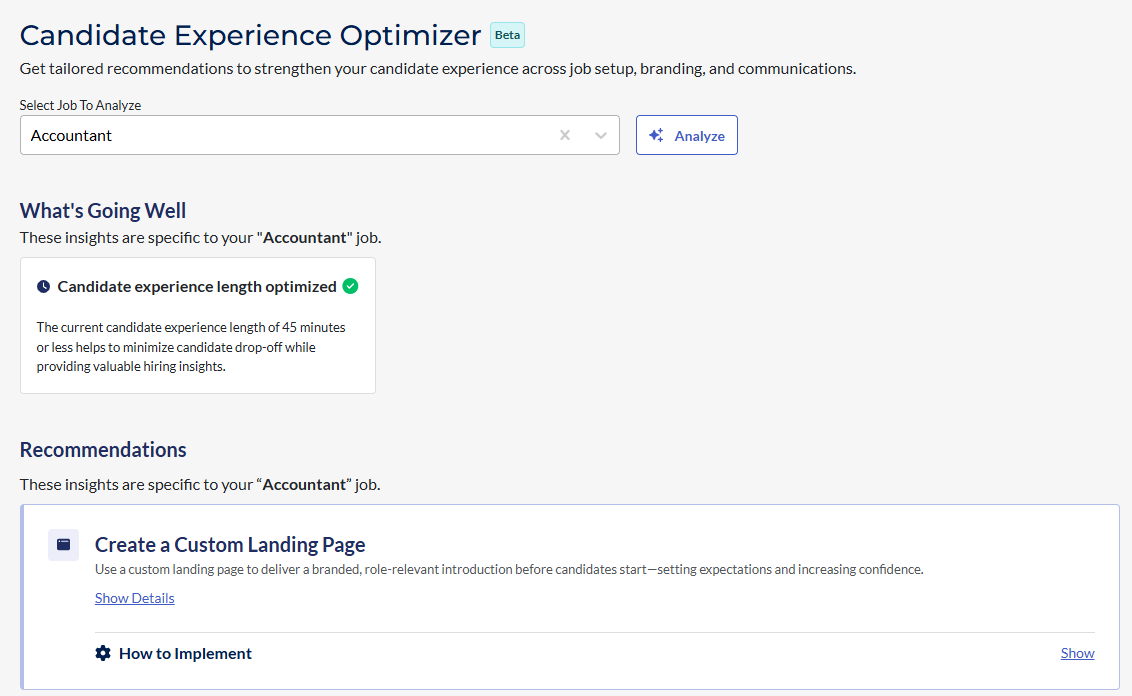
The Candidate Experience Optimizer results are organized into two main sections:
- What’s Going Well: the current strengths for the job.
- Recommendations: improvement opportunities.
What’s going well
This section highlights job components that are already optimized. Here are some examples you may see:
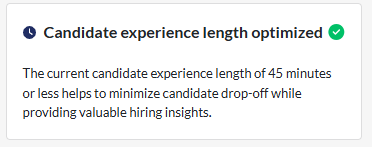
- Candidate experience length optimized: The Candidate Experience Optimizer flags a candidate experience length of 45 minutes or less as optimized because it helps minimize candidate drop-off while still providing valuable hiring insights.
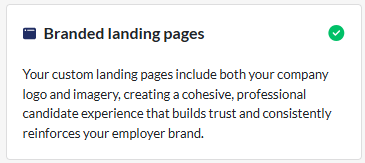
- Branded landing pages: Using a custom landing page that includes both your company logo and image builds candidate trust and reinforces your employer brand.
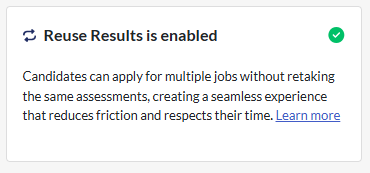
- Reuse Results is enabled: When Reuse Results is enabled, candidates can apply for multiple jobs without retaking the same assessments, reducing friction and respecting candidate time.
Recommendations
The Candidate Experience Optimizer's recommendations for the job appear below What’s going well. Each recommendation includes the benefits of the suggestion, as well as instructions on how to implement the update.
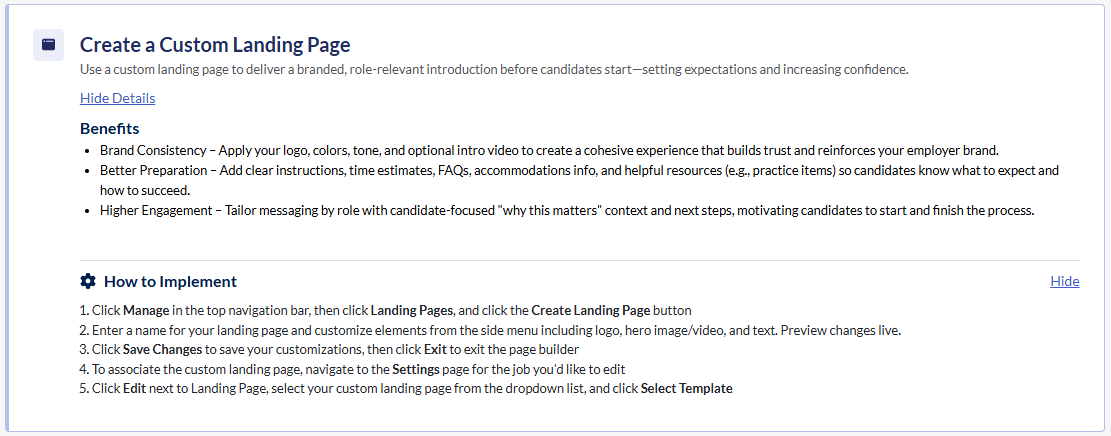
Click Show Details to view the benefits and click Show to view the instructions for implementing the change. Here are some examples you may see:
- Create a custom landing page: Use a custom landing page to deliver a branded, role-relevant introduction before candidates start, setting expectations and increasing confidence.
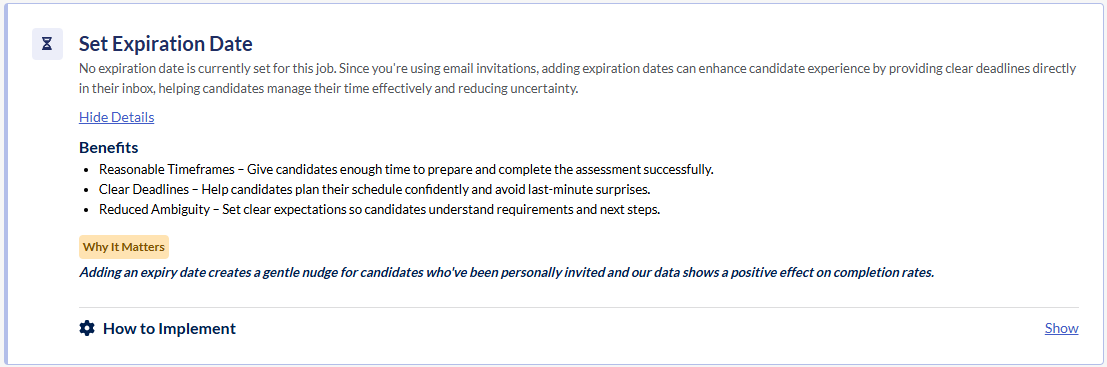
- Set Expiration Date: Adding expiration dates can enhance candidate experience by providing clear deadlines directly in their inbox, helping candidates manage their time effectively and reducing uncertainty.
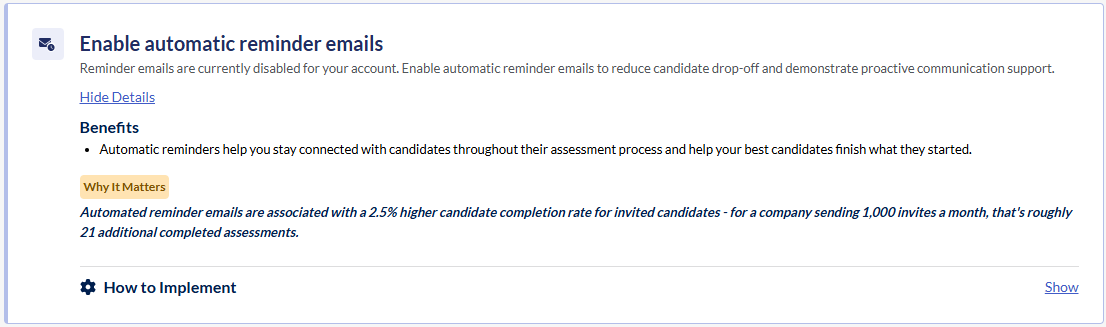
- Enable automated reminder emails: Automatic reminder emails can reduce candidate drop-off and demonstrate proactive communication support.
Invitation Email Analysis
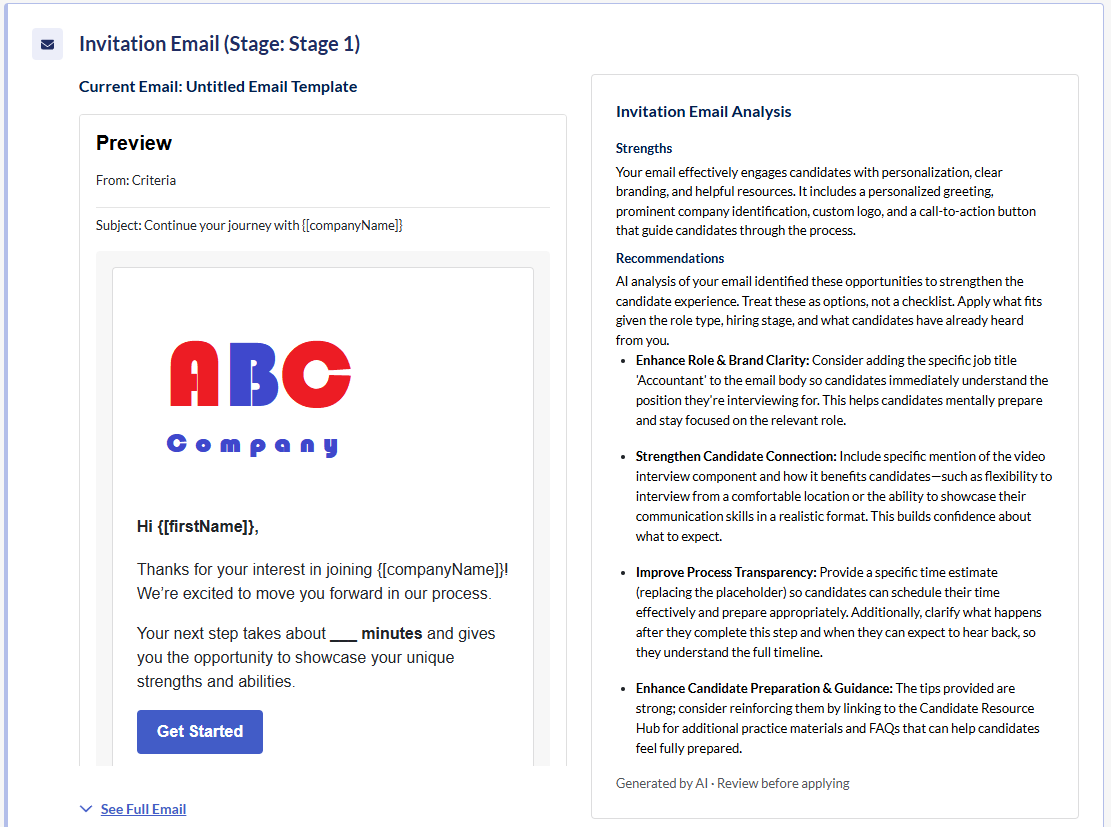
If you have set a custom invitation email in your job, the Candidate Experience Optimizer includes AI-powered analysis of your email template. A preview of the email template is displayed alongside the analysis.
The Invitation Email Analysis evaluates the current messaging against candidate experience best practices, including clarity, personalization, and next steps. It provides recommendations to help the email engage candidates more effectively and encourage them to complete the required actions.
Applying changes to your job
After reviewing the Candidate Experience Optimizer's recommendations for the job, you can make changes to your job configuration based on the How to Implement steps. Since the Candidate Experience Optimizer opens in a new tab, we recommend keeping it open while you update your job, so you can refer back to it as needed.
Refresh the Candidate Experience Optimizer page once you have made the changes you plan to implement. This will trigger the Candidate Experience Optimizer to reanalyze your job, enabling you to double check that you have implemented all the updates you want to make.
