Criteria Reporting Definitions
 Updated
by
Amy Thomas
Updated
by
Amy Thomas
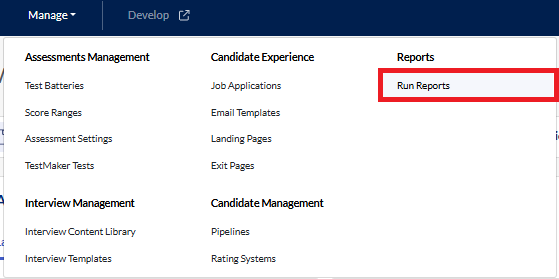
This page lists and defines the fields available in the Report Builder and Job Data Report, accessible from Manage > Run Reports.
Candidate Data
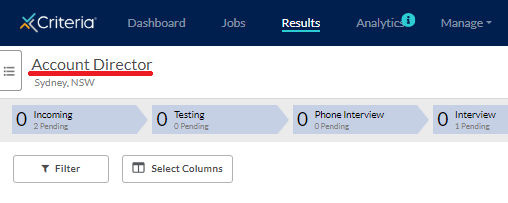
Job Name
Job Title assigned to the job during creation
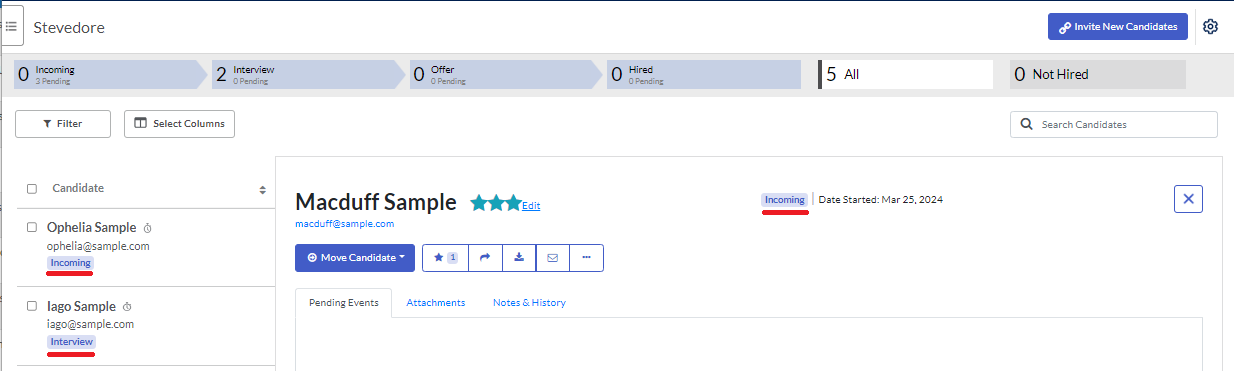
Pipeline Stage
Shows the stage in the job pipeline that candidates are currently in
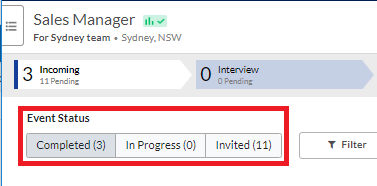
Event Status
Shows whether the candidate has been invited, is in progress, or has completed the specific assessment or structured interview event. This maps to the event status categories under a pipeline stage within a job.
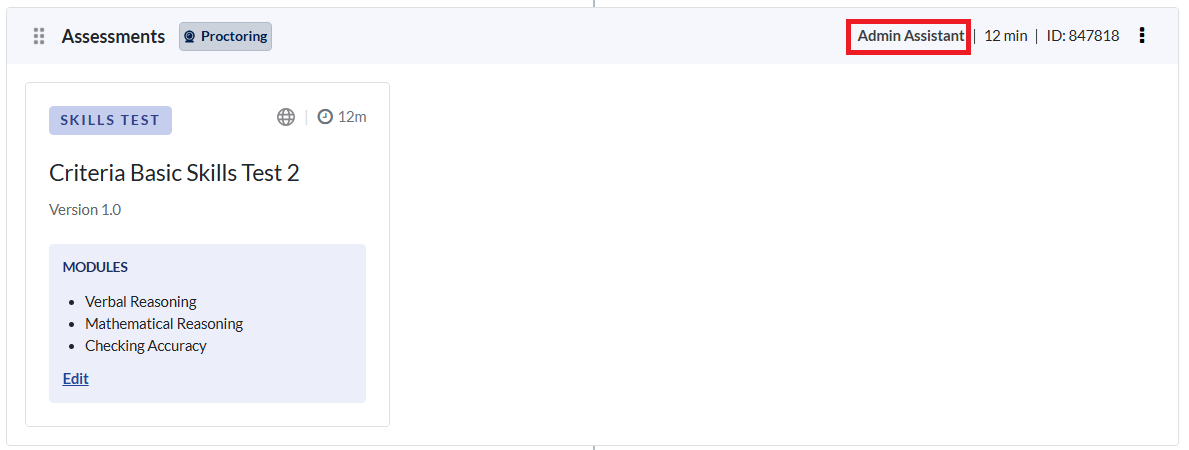
Test Battery Name
Displays the test battery assigned in the job.
First Name
Candidate's first name - can be added when the candidate is invited (direct link) or when a candidate begins an assessment (open link).
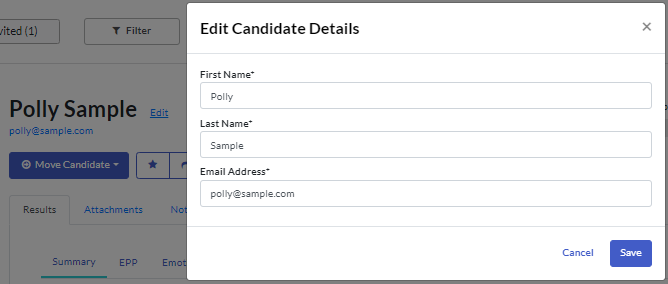
Last Name
Candidate's last name - can be added when the candidate is invited (direct link) or when a candidate begins an assessment (open link).
Email Address
Candidate's email- can be added when the candidate is invited (direct link) or when a candidate begins an assessment (open link).
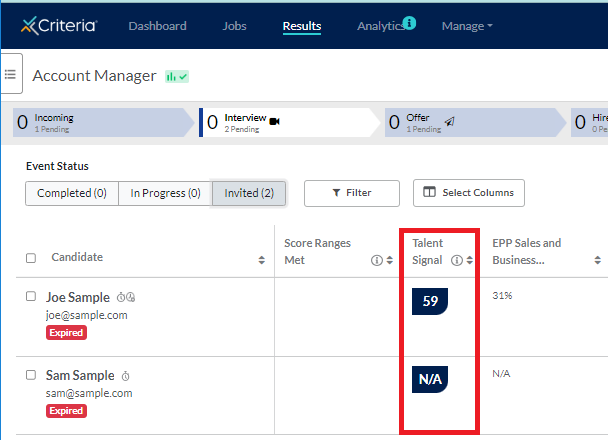
Talent Signal
Talent Signal score takes into account the job level settings for which assessments + structured interview scores to use and gives a weighted average
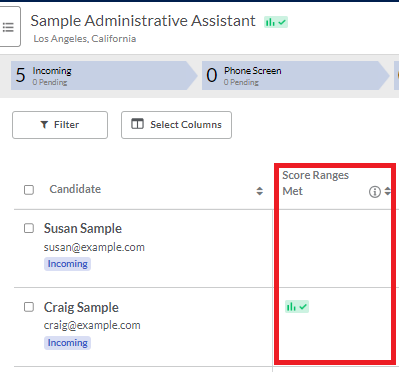
Score Ranges Met
Shows Yes or No if the candidate meets the score ranges for all assessments that have associated score ranges. If no score ranges are selected, it will show N/A
Candidate Average Overall Rating
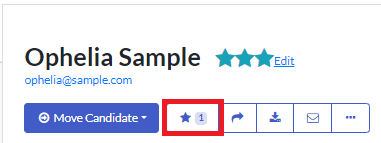
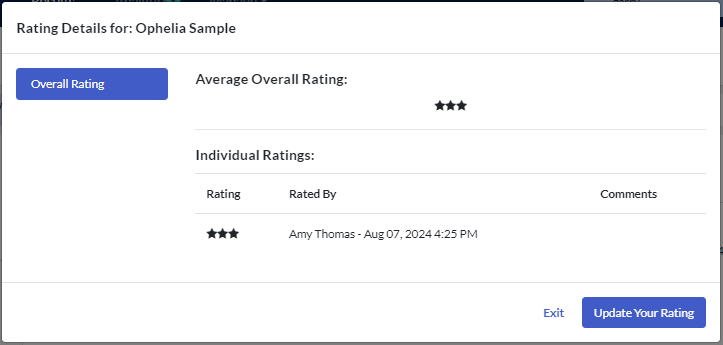
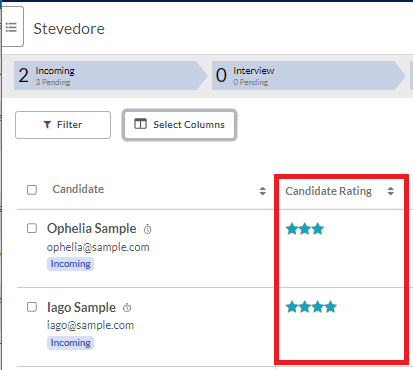
Shows the average overall rating from Criteria user in the rating format chosen for the job for a specific candidate (not Structured Interviewing ratings).
Event Scheduled Date
For invited events, the date that the candidate was invited to complete the evaluation tasks. For open link events, the date that the candidate starts the event (clicked on the link and entered their details).

Event Start Date
Shows the date that the candidate started completing the evaluation tasks.
Event Completed Date
Date that the candidate completed the evaluation tasks.
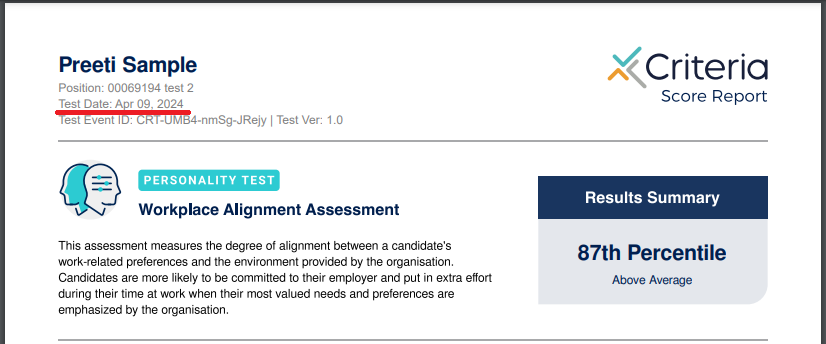
Event Time to Complete (Minutes)
The time in minutes between the Event being started and the candidate completing all evaluation tasks.
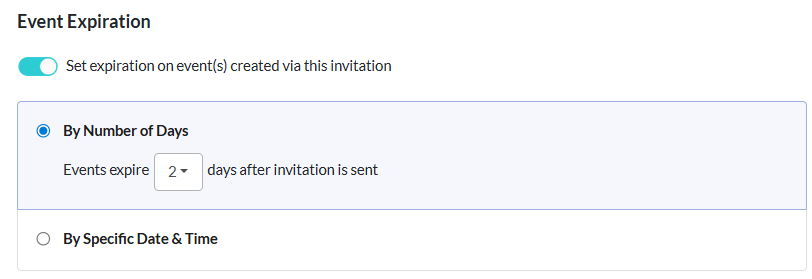
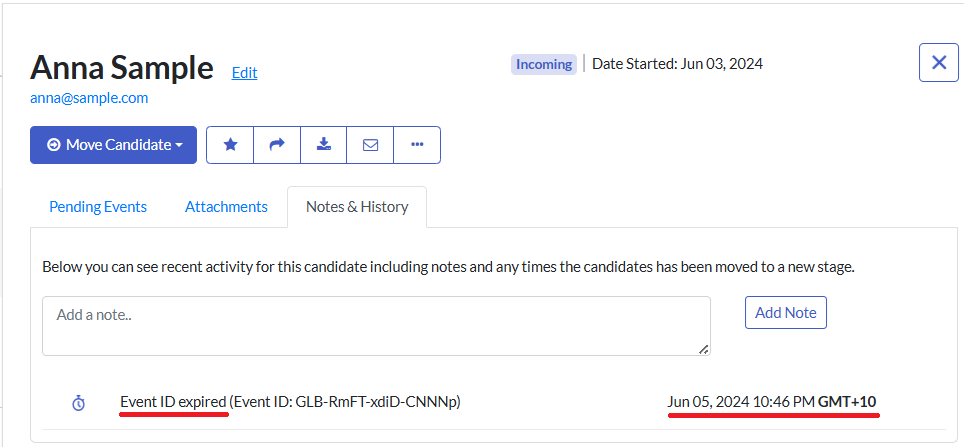
Event Expiration Date
The date the Event is set to expire. The candidate will not be able to access the evaluation tasks after this date. If no Expiration Date is set, it will show N/A.
Source
If open links have been used, this acts as a UTM parameter* showing where these candidates got the link to take the assessment or structured interview. Can be set for platforms or specific recruiters and is set during the first module of Invite Candidates.
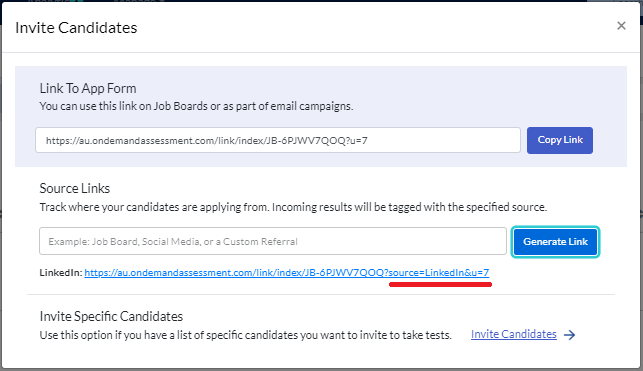
*A UTM (Urchin Tracking Module) code is a snippet of text added to the end of a URL
Scheduled By
Shows which platform user invited this candidate to take the event
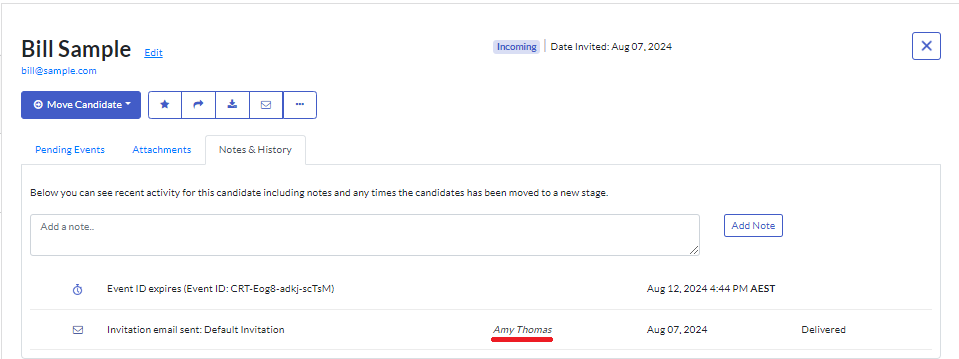
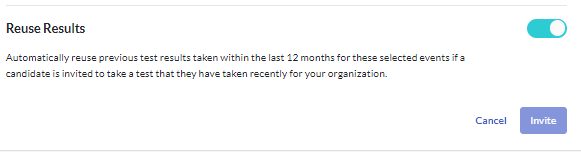
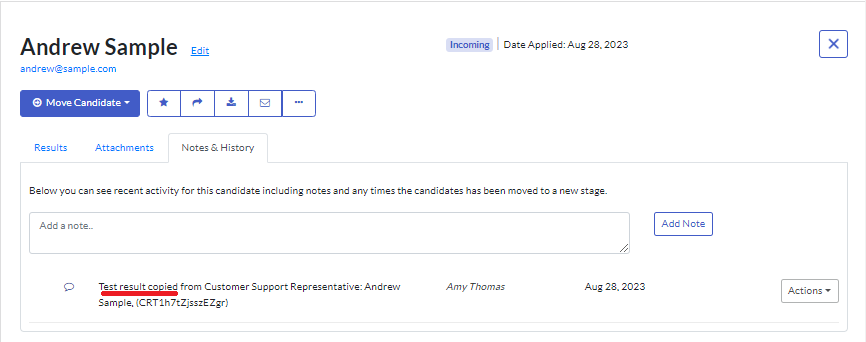
Copied Results
Displays true or false depending if the results for the assessment have been reused from another event. This may be from a different job or within the same job.
City (Job Location)
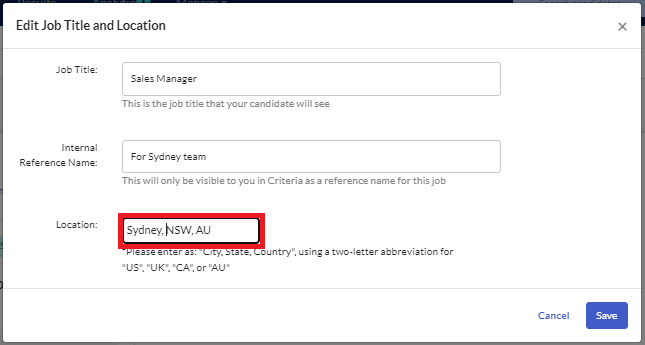
City the job position is in, set up in the job settings under Edit Job Title and Location.

State (Job Location)
State the job position is in, set up in the job settings under Edit Job Title and Location.
Country (Job Location)
Country the job position is in, set up in the job settings under Edit Job Title and Location.
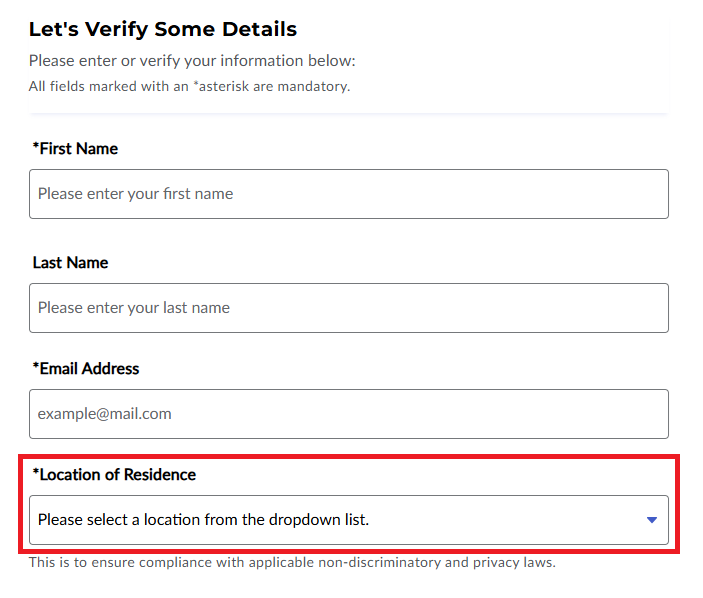
Country (Candidate Location)
Candidate's country location, filled in at the start of an assessment.
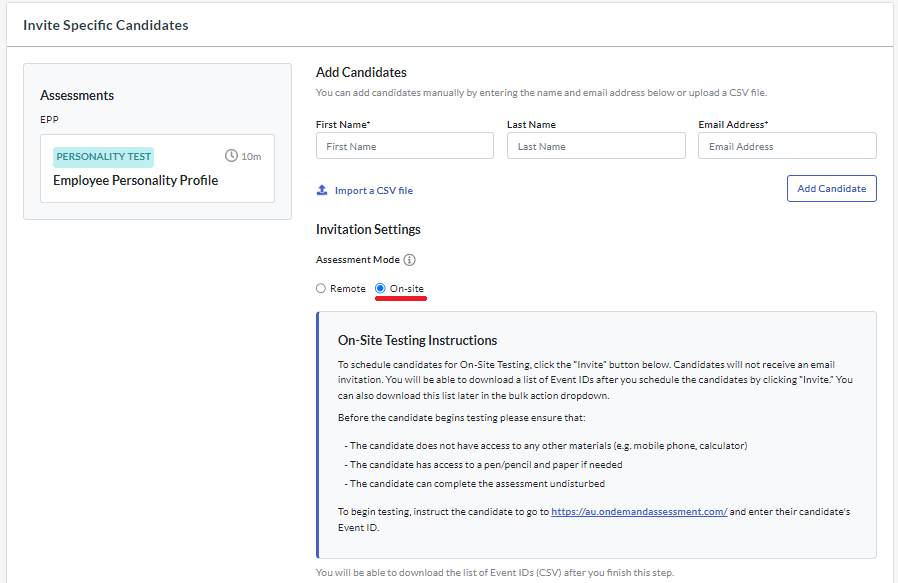
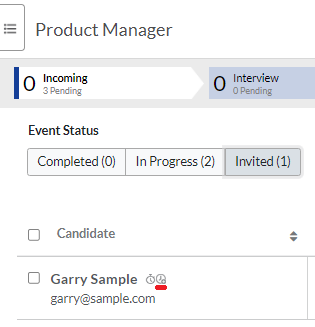
Supervised
Displays yes or no, depending if this candidate was invited to take an assessment / structured interview in person.
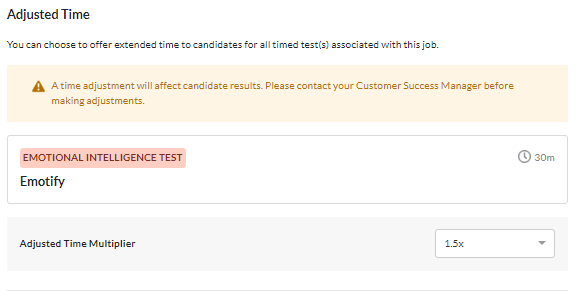
Time Adjustment
Indicates whether a time adjustment was given to the candidate and how much that adjustment is.
Test Taker ID
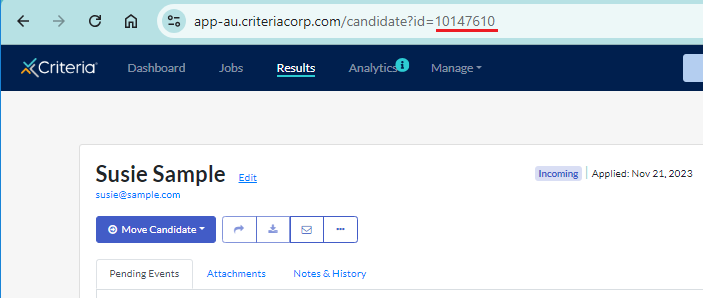
Unique ID for the candidate, 1 ID per job - this can be found in the URL when you view the candidate card.
Test Event ID
Unique ID set for the testing event, mostly used for internal purposes, mirrors Event ID in a different format.
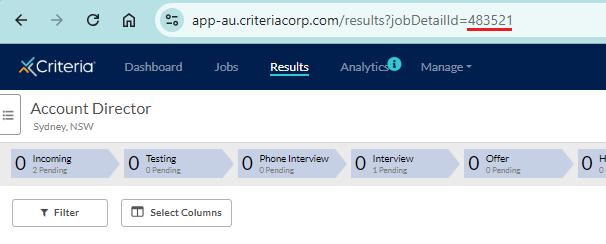
Job Detail ID
Unique ID for the Job - this can be found in the URL when you are in a job.
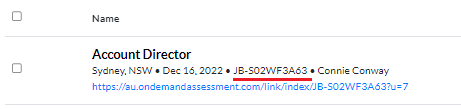
Note: this is different from the Job Code, which can be viewed in the Jobs list.
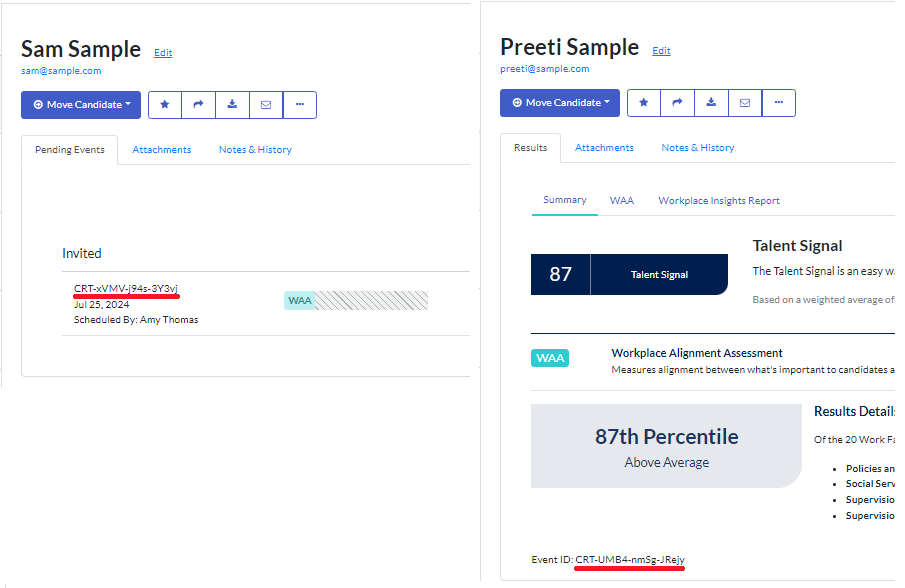
Event ID
Unique ID set for the testing event that can be found throughout the platform (customer version of Test Event ID).
External ID
External ID for connecting Criteria data with ATS systems to identify specific candidates.
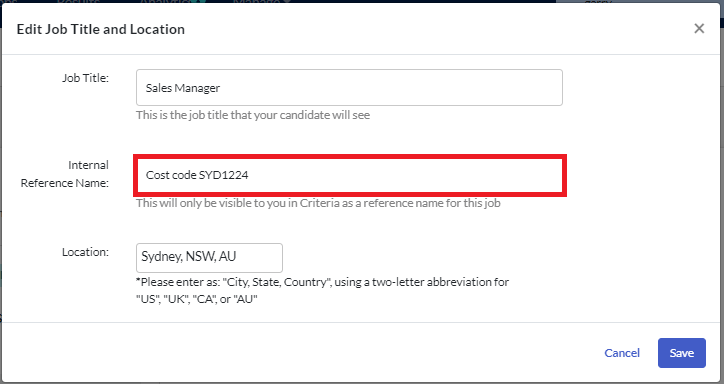
Internal Reference Name
Text field to set an additional reference for the job, such as department or cost code. Set up in the job settings under Edit Job Title and Location.
Proctoring
Proctoring Overall Score
Returns Clear if the proctoring was enabled for the assessment Event and no items have been flagged for review. Returns Review if any items have been flagged for review.
Proctoring Overall Monitoring
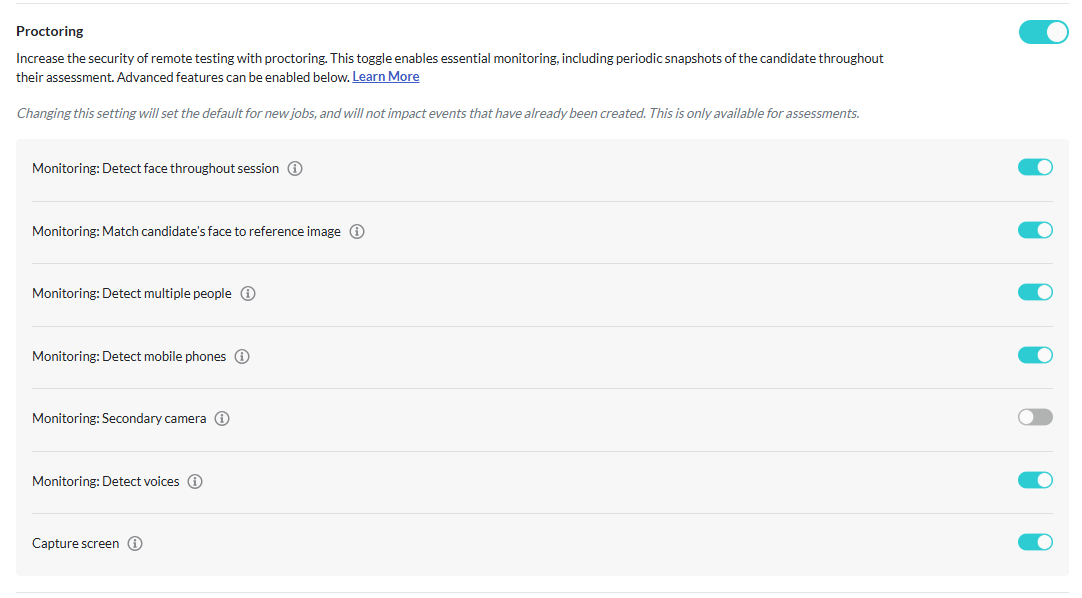
Returns Clear if no items have been flagged for review. Returns Review if any items have been flagged for review.
Proctoring Detect Face Throughout Session
Returns Clear if the candidate's face was visible throughout the assessment. Returns Review if the candidate's face was not detected during the assessment session.
Proctoring Match Candidate Face To Reference Image
Returns Clear if the candidate's face matched the reference image throughout the assessment. Returns Review if any face/s detected did not match the reference image.
Proctoring Detect Multiple People
Returns Clear if only the candidate's face was visible throughout the assessment. Returns Review if any other faces were detected during the assessment session.
Proctoring Detect Mobile Phones
Returns Clear if no mobile phone was visible to the camera during the assessment. Returns Review if a mobile phone was detected during the assessment session.
Proctoring Detect Voices
Returns Clear if the total detected voice time in the recorded audio is less than 10 seconds. Returns Review if 10 or more seconds of voice time was detected.
Proctoring Loss Of Recording
Returns Clear if the candidate did not remove permission to access the camera, microphone, or record the screen, and that there were no issues that caused access to one or more of these to be lost. Returns Review if permissions were rescinded / access issues were detected.
Proctoring Locked Out
Returns Clear if the candidate was not locked out of the assessment due to leaving the assessment window multiple times. Returns Review if the candidate was locked out during the assessment session.
Criteria's Assessment Portfolio
The options presented will depend on the type of assessment and the scoring available. Here are some of the values that may be available for the test you are administering.
Overall Percentile
Indicates how an individual performed relative to others who have taken the same assessment.
Met Score Ranges
Refers to whether a candidate's score falls within the recommended or suggested score range for a specific job position.
Invalid
This means the assessment results are not reliable or trustworthy for decision-making purposes. For example: Inconsistent Responding
Proficiency
Refers to a qualitative classification of a candidate's skill or competency level based on their raw score.
Test Version Number
This identifies which version of the assessment was administered.
TestMaker
The options presented will depend on the TestMaker Tests you have created in your Criteria account. Here are some of the values that may be available.
Raw Score
This is the number of questions that the candidate answered correctly.
Percentile
Indicates how an individual performed relative to others who have taken the same assessment.
Percentage of Total
Measures how well an individual performed on the test itself.
For example: If a test has 40 questions and the candidate answers 30 correctly, the Percentage of Total will be 75%.
Met Score Ranges
Refers to whether a candidate's score falls within the score range for a specific job position.
Video Interviewing
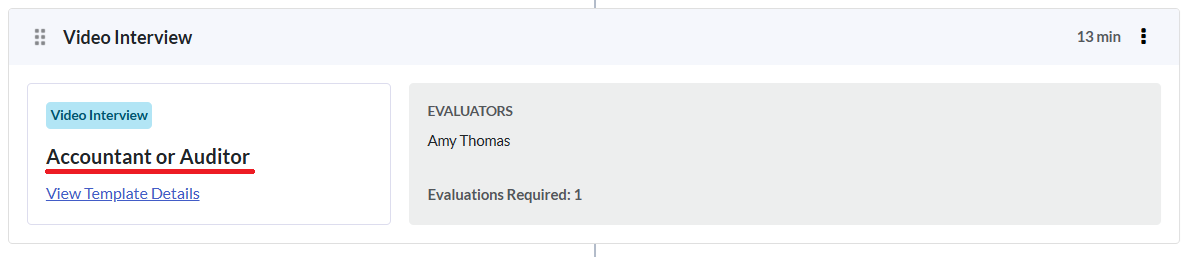
Video Interview Template Name
The title of the video intervew template the candidate was invited to complete for the Event.
Video Interview Total Score
The overall score based on evaluator ratings, calculated after all required evaluations are complete.
Video Interview Overall Recommendation
The overall hiring recommendation based on evaluator recommendations, calculated after all required evaluations are complete.
Video Interview Average Question Rating
Represents the average rating across all individual interview questions answered by a candidate.
Live Interviewing
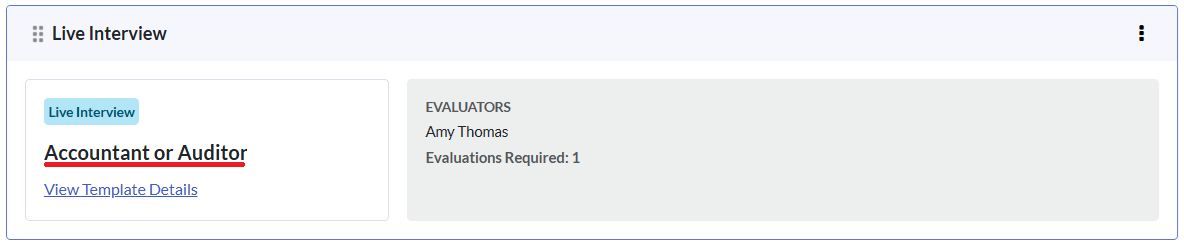
Live Interview Template Name
The title of the live intervew template the candidate was invited to complete for the Event.
Live Interview Total Score
The overall score based on evaluator ratings, calculated after all required evaluations are complete.
Live Interview Overall Recommendation
The overall hiring recommendation based on evaluator recommendations, calculated after all required evaluations are complete.
Live Interview Average Question Rating
Represents the average rating across all individual interview questions answered by a candidate.
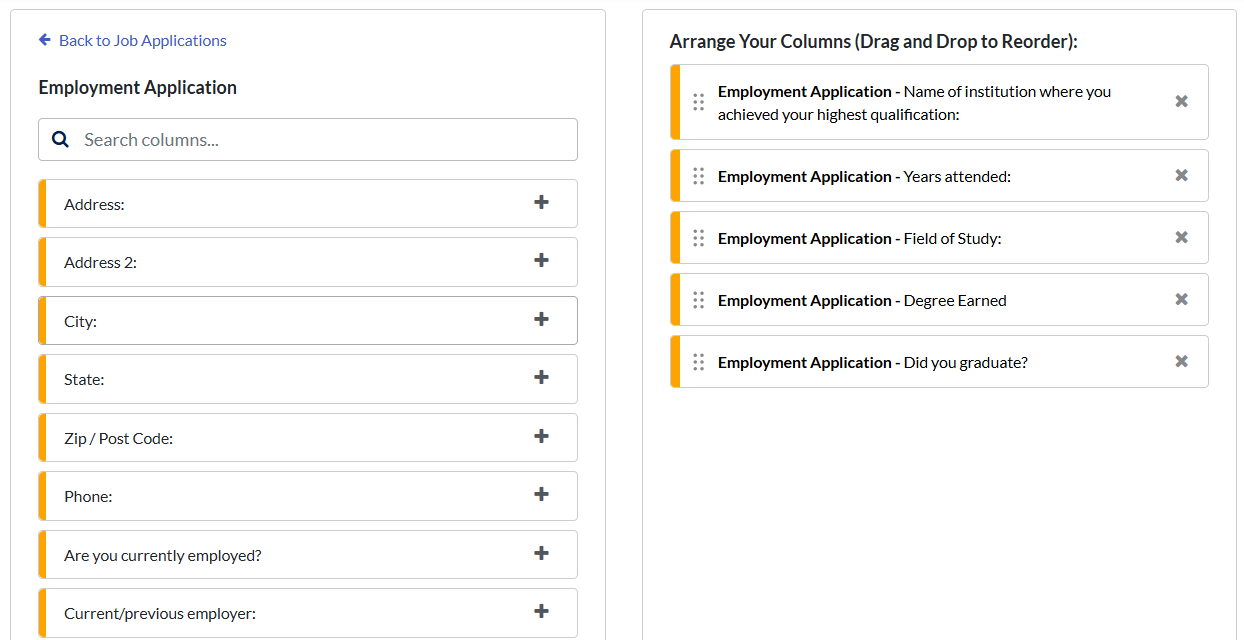
Job Applications
This will depend on the Job Application Forms you have created in your Criteria account. Each question in each form will be available to add to the report.